
Winter's onset brings cooler, drier air, impacting digital printers' operation and lifespan.
I. Winter's Impact on Machines
01 Temperature Drop Effects
As winter temperatures fall, ink viscosity rises, increasing the risk of print heads clogging. This can lead to issues like ink interruption, oblique spraying, splashing, and blurred prints.
02 Humidity Impact
Low relative humidity in winter dries out the air, leading to printing issues like curled edges and paper jamming, which could severely damage print heads and motors.
Furthermore, dry air and increased dust levels enhance the formation of static electricity. Static electricity can cause ink droplets to deviate from their path, resulting in ink splashing. It also attracts dust and fabric fibers to adhere to materials and nozzles, thereby lowering print quality.

II. Winter Machine Maintenance Guide
In order to ensure that the digital printing machine operates stably and efficiently during winter, it is crucial to carry out proper maintenance and upkeep work.
01 Preheat Before Startup
After turning on the digital printing machine, it is recommended not to immediately start printing tasks. Instead, first activate the heating system for a preheat period of about 10-15 minutes, allowing key components such as the printhead, ink delivery system, and circuit boards to gradually warm up to their optimal printing state.
02 Maintain an Appropriate Temperature and Humidity in the Work Environment
Use air conditioners, heating systems, humidifiers, and other devices to regulate the indoor temperature and humidity, ensuring that the work environment stays within a temperature range of 18°C to 28°C and a humidity range of 40% to 60%.

03 Static Elimination and Dust Removal
Proper static prevention measures should be taken for the equipment on a regular basis, and the ground wire must be connected before the equipment is operated. The printer room should be dusted at least once a week to ensure that the machines are not affected by dust.
04 Clean & Moisturize Print Head Regularly
Clean the print head with dedicated cleaner before and after printing. Use moisturizer when not in use for long periods.
05 Ink Storage Tips
Keep ink in warm, dry, dark place. Avoid low temps to prevent solidification. Regularly check and replace expired ink.
Choose high-quality ink with good low-temp performance. PO-TRY original ink, made with imported materials, is recommended.

Conclusion
Proper winter maintenance of digital printers extends their lifespan, reduces failures, and boosts print quality and efficiency. Follow our tips for a successful winter and thriving print business!
 16,000 meters per day! PO-TRY 36-head dye sublimation r "Speed King" makes its global debut at ITMA Shanghai
 POD(Print On Demand) Complete Solution
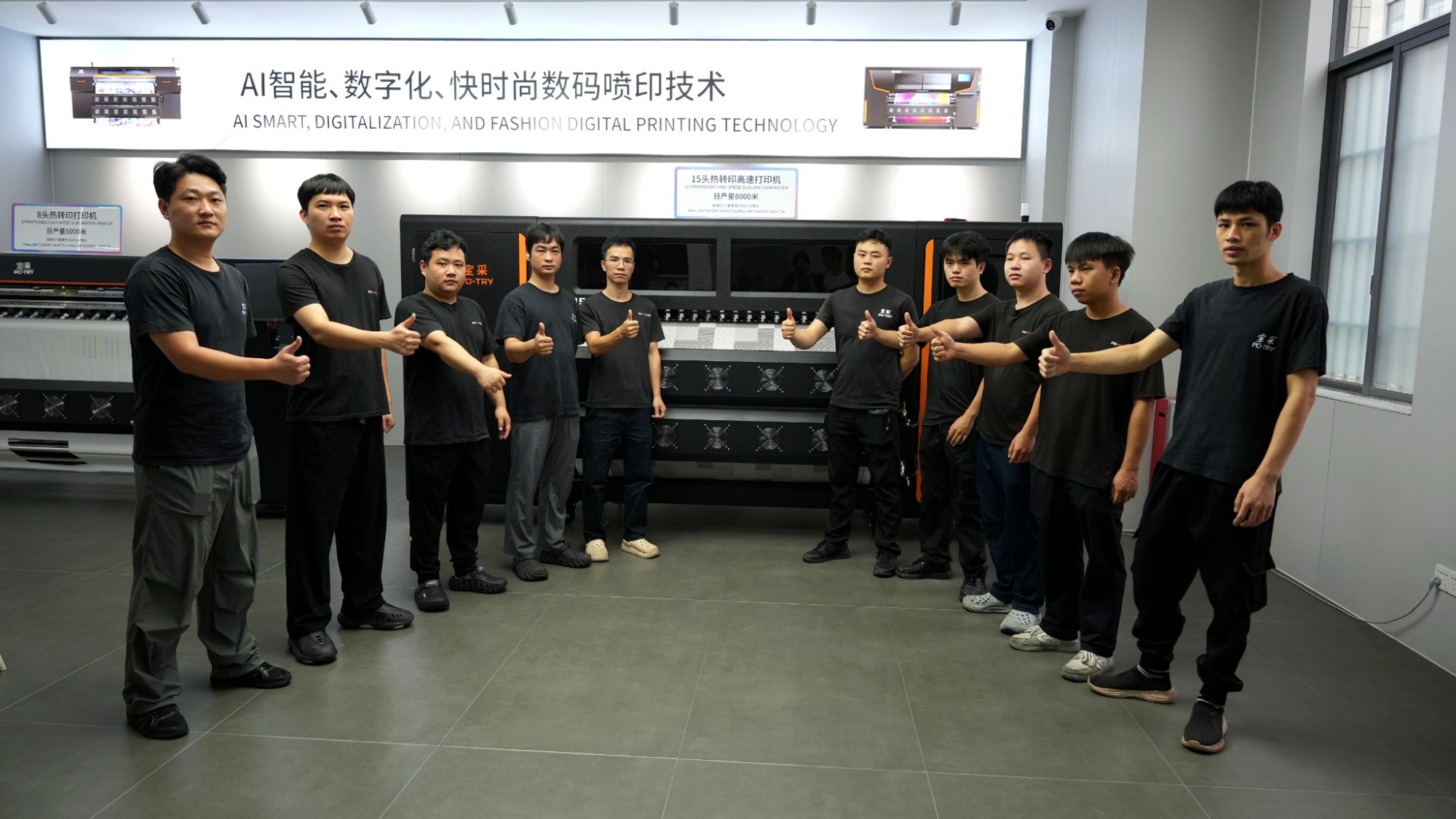 PO-TRY After-Sales Service Overview- DTF, Sublimation printer
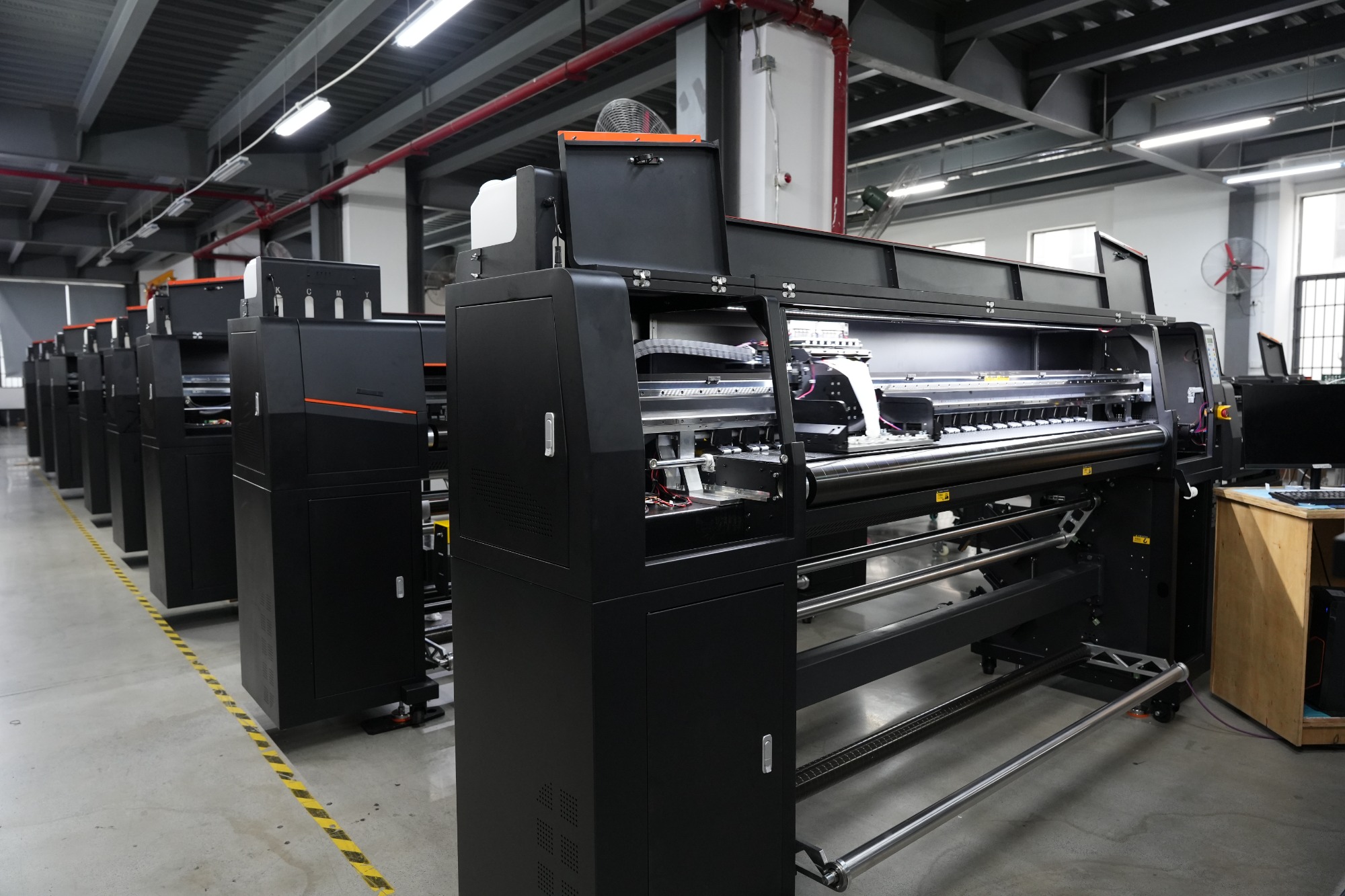 Industrial Textile Sublimation Printer: Buying and Maintenance Guide
