
Sublimation printers are a valuable asset for those who work with printing on fabrics or other materials. These printers work by transferring dye onto the material using heat and pressure, creating a long-lasting and high-quality print. To keep a sublimation printer running smoothly, it's important to perform regular maintenance, especially during the spring season when dust and allergens can accumulate in the air. In this essay, we will explore some maintenance tips for sublimation printers in the spring.
1. Clean the Sublimation printer's exterior
The first step in maintaining a sublimation printer is to clean the exterior. Springtime can bring pollen and other allergens into the air, which can cause buildup on the printer's surface. Wipe down the printer with a soft cloth and a mild cleaner to remove any dust or dirt that may have accumulated. It's important to avoid harsh chemicals that could damage the printer's finish.
2. Clean the Sublimation printer's interior
Cleaning the interior of a sublimation printer is crucial for ensuring the printer's performance. Over time, dust and debris can accumulate inside the printer, leading to clogs and other problems. Open the printer and use a soft brush to remove any dust that has accumulated inside. Pay special attention to the printer's ink cartridges and print heads.

3. Perform a nozzle check
Performing a nozzle check is an essential part of maintaining a sublimation printer. A nozzle check will help identify any clogs or issues with the printer's ink delivery system. Run a nozzle check and examine the results carefully. If there are any missing or broken lines, clean the print heads and run another nozzle check.


4. Replace consumables
Replacing consumables like ink cartridges and paper is essential for maintaining the quality of sublimation prints. Make sure to replace these items according to the manufacturer's recommendations. Using expired or low-quality ink or paper can cause clogs and other problems with the printer.
5. Check for updates
Sublimation printer manufacturers often release firmware and software updates to improve the printer's performance. Check for updates regularly and install them as soon as they become available.
6. Check the printer's temperature and humidity levels
Springtime can bring changes in temperature and humidity levels, which can affect the performance of a sublimation printer. Check the printer's operating temperature and make sure it's within the recommended range. If the temperature or humidity levels are too high or low, adjust the printer's environment accordingly.


In conclusion, maintaining a sublimation printer in the spring requires regular cleaning, performing nozzle checks, replacing consumables, checking for updates, and monitoring the printer's temperature and humidity levels. By following these maintenance tips, sublimation printers can continue to produce high-quality prints for years to come.
 16,000 meters per day! PO-TRY 36-head dye sublimation r "Speed King" makes its global debut at ITMA Shanghai
 POD(Print On Demand) Complete Solution
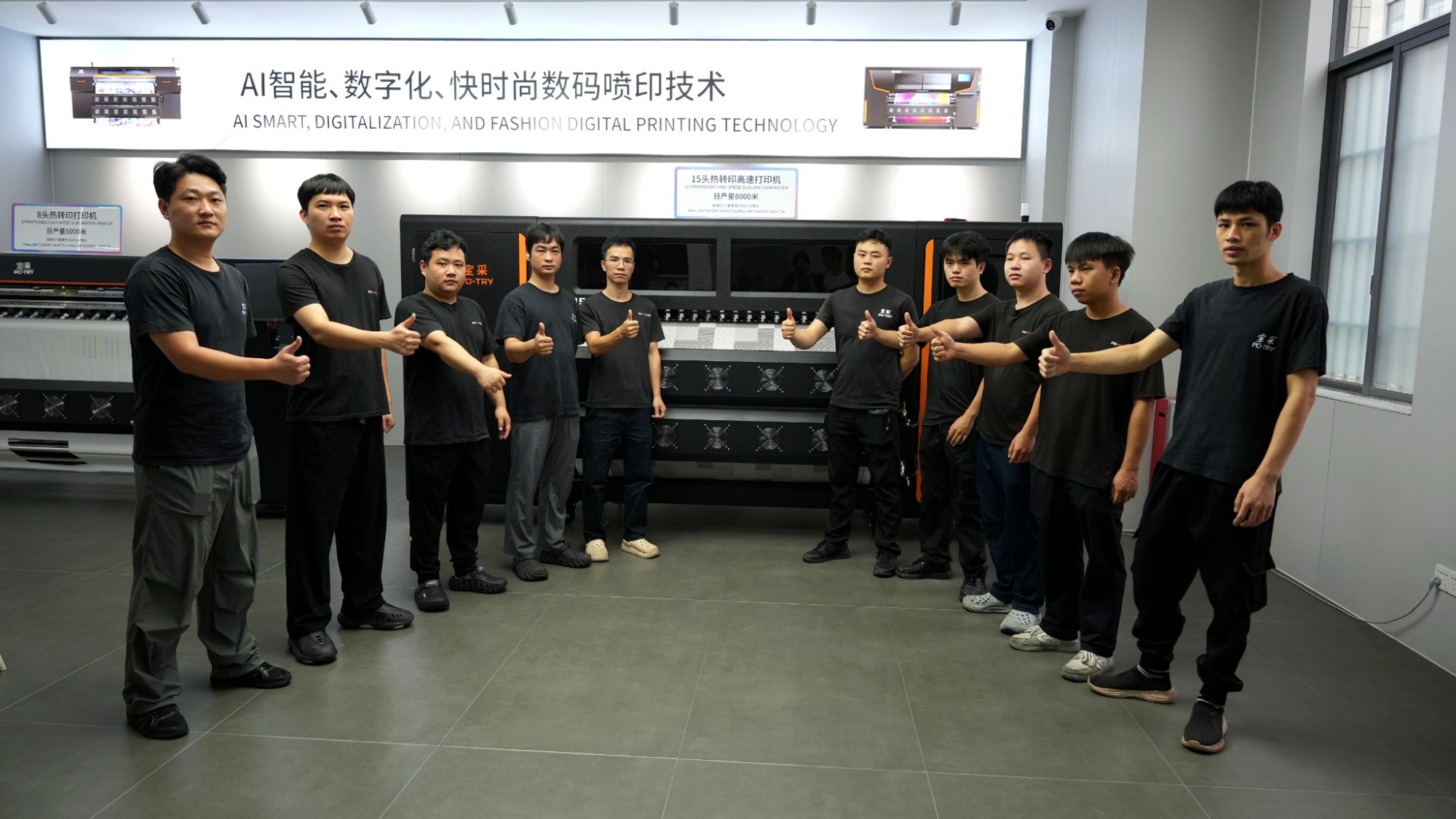 PO-TRY After-Sales Service Overview- DTF, Sublimation printer
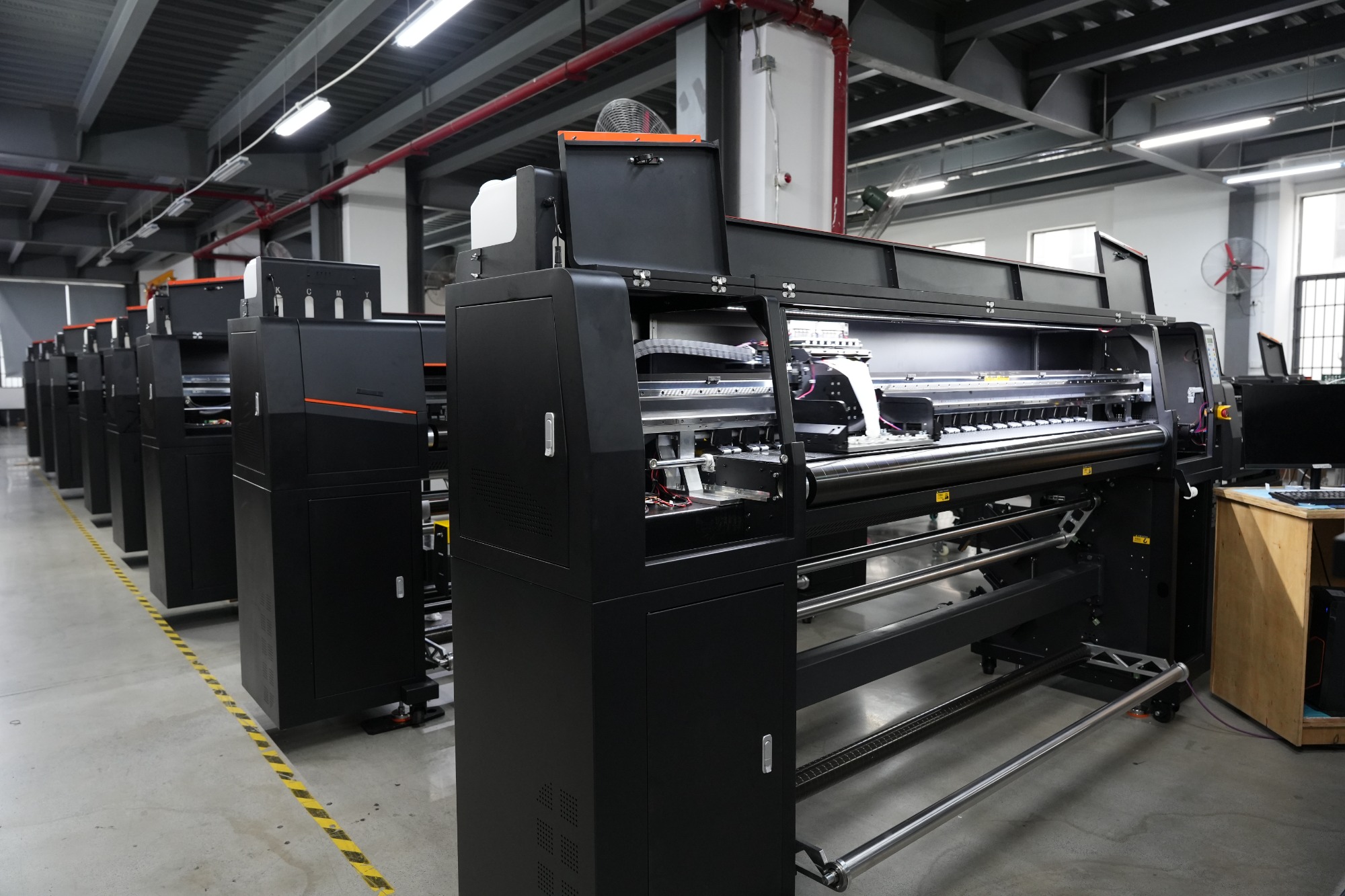 Industrial Textile Sublimation Printer: Buying and Maintenance Guide
